
Cybersecurity: Protect Your Money and Identity
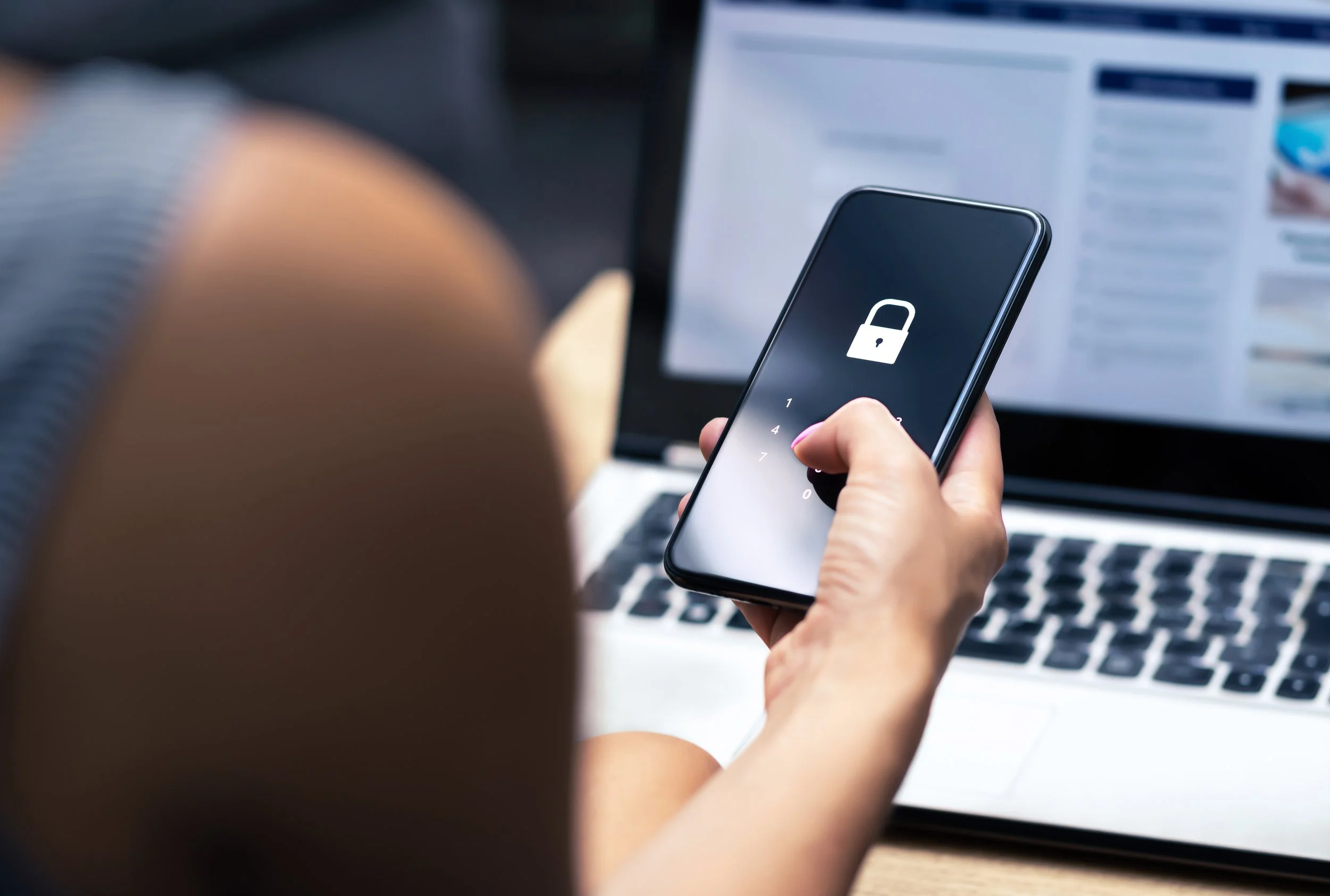
5 Smart Cybersecurity Habits to Protect Your Money and Identity
Protecting your digital life is just as important as protecting your financial one. Here are five simple habits that can make a big difference.
1. Think Before You Click
Phishing scams are one of the top ways criminals steal information. If an email, text, or message feels strange, slow down. Do not click links or open attachments unless you know they are safe. When unsure, go directly to the company’s official website instead of using a link in a message.
2. Verify Before You Respond
Scammers often try to rush you into acting fast. If you get a message asking for payment or personal details and it feels urgent, take a moment to pause.
Look up the contact information yourself and reach out directly. Trust your instincts and double-check before sharing anything.
3. Limit What You Share Online
Be careful with personal details on social media. Avoid posting your full birthdate, home address, or travel plans. Review your privacy settings often. A few small changes can make a big impact on your online safety.
4. Control Your Location Settings
Many apps ask for access to your location, but most do not need it. Check your phone settings to see which apps have access and turn off what you don’t need.
For iPhone:
Go to Settings > Privacy & Security > Location Services
Turn off Location Services or choose which apps can use it.
For Android:
Swipe down and hold the Location icon.
Go to App Permissions and turn off access for apps that don’t need it.
Limiting location sharing helps protect your privacy and gives you more control over your personal data.
5. Wipe Devices Before You Recycle or Donate
Before getting rid of an old phone or computer, erase your personal data completely. A full factory reset protects your information from falling into the wrong hands.
For iPhone:
Settings > General > Reset > Erase All Content and SettingsFor Samsung (Android 5.0+):
Settings > Backup and Reset > Factory Data Reset > Reset Device > Erase EverythingFor Mac:
Restart and hold Command + R > Use Disk Utility to erase drive > Reinstall macOSFor Windows PC:
Settings > Update and Recovery > Recovery > Remove Everything and Reinstall Windows > Erase Data Thoroughly
Always remove or destroy external drives and memory cards before disposal.
Conclusion
Cybersecurity doesn’t have to be hard. With a few simple habits, you can protect your money, your identity, and your peace of mind.
City of Firsts Community Federal Credit Union is here to help you stay informed and confident about online safety. If you have questions or need help with secure banking tools, ask us. We’re here to help.